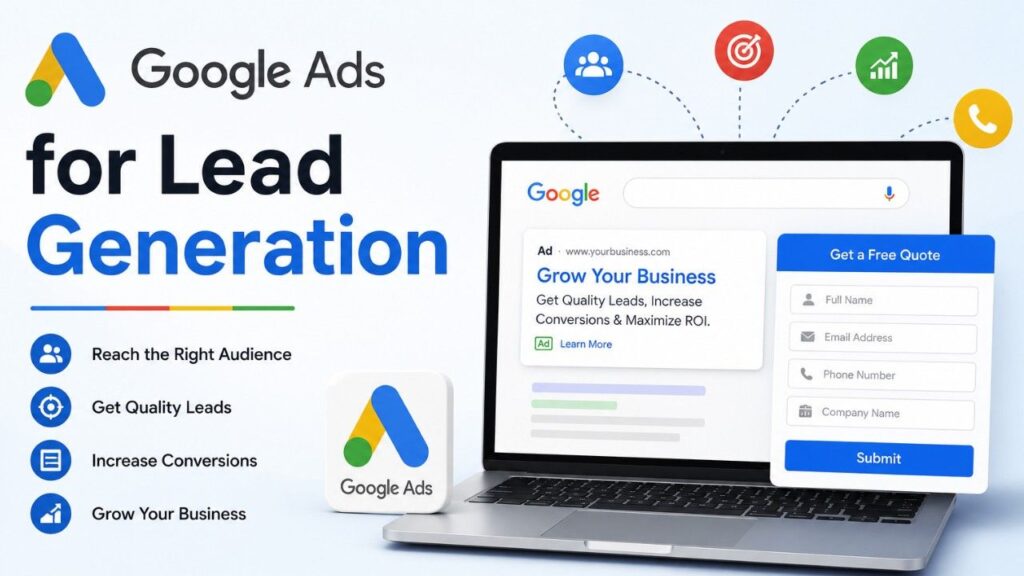
Google Ads for lead generation is one of the fastest ways for a Dubai business to put its offer in front of people who are already searching for it. Not random traffic. Buyers with real intent. Someone in Abu Dhabi types “accountant near me” or “AC repair Dubai,” and your ad shows up at the exact moment they need you. That’s the appeal in a nutshell. If you’d like this built and managed properly, our Google Ads and PPC services cover the whole thing end to end.
But here’s what trips up most business owners. They think leads are about clicks. They’re not. A click that never turns into a phone call or a form submission is just wasted budget with nothing to show for it. Real lead generation is clicks plus tracking, lead quality, and fast follow-up. Get those three working together, and Google Ads becomes a steady, predictable source of new customers — month after month.
This guide walks through everything: why a strategy matters, how to build a campaign step by step, the ten strategies that actually move the needle, how to fix campaigns that aren’t producing, B2B tactics, conversion tracking, remarketing, 2026 privacy rules, and what it all costs in the UAE. Grab a coffee — there’s a lot here, and it’s all practical.
Key Takeaways
- Google Ads for lead generation works best with a clear goal, tight tracking, and quick follow-up — clicks alone mean nothing.
- Lead form assets let people share their details right inside the ad, with no landing page needed.
- In 2026, consent and privacy setup (Consent Mode v2) is not optional — it protects your tracking and your business.
- Local targeting matters in the UAE: Dubai vs Abu Dhabi, Arabic vs English, and buyer intent all change your results.
Why Have a Google Ads Strategy for Lead Generation?
A strong strategy is the difference between a campaign that quietly drains your budget and one that fills your pipeline. Few channels hand you this much control. You pick who sees your ads, you cap your spend, and you measure every single dirham. A shopper in Sharjah searching for your exact service is far warmer than anyone you’d reach with a billboard on Sheikh Zayed Road — they’re already looking for what you sell.
Here’s why a proper plan matters:
| Benefit | What it means for your business |
| Targeted reach | Show ads based on what people search, where they live, and their interests |
| Budget control | Set daily budgets and bidding goals so you never overspend |
| Clear measurement | Google reports clicks and conversions, so you see what brings real leads |
| Flexibility | Run Search, Performance Max, video, and more depending on your goal |
| Room to scale | Once you find what works, raise the budget and grow lead volume |
One honest note before we go further. Results vary by industry and offer. Don’t anchor to a single “average” cost-per-lead or CTR you read somewhere — a law firm and a fitness studio in Dubai will see wildly different numbers. Your own campaign data is the only benchmark worth trusting.
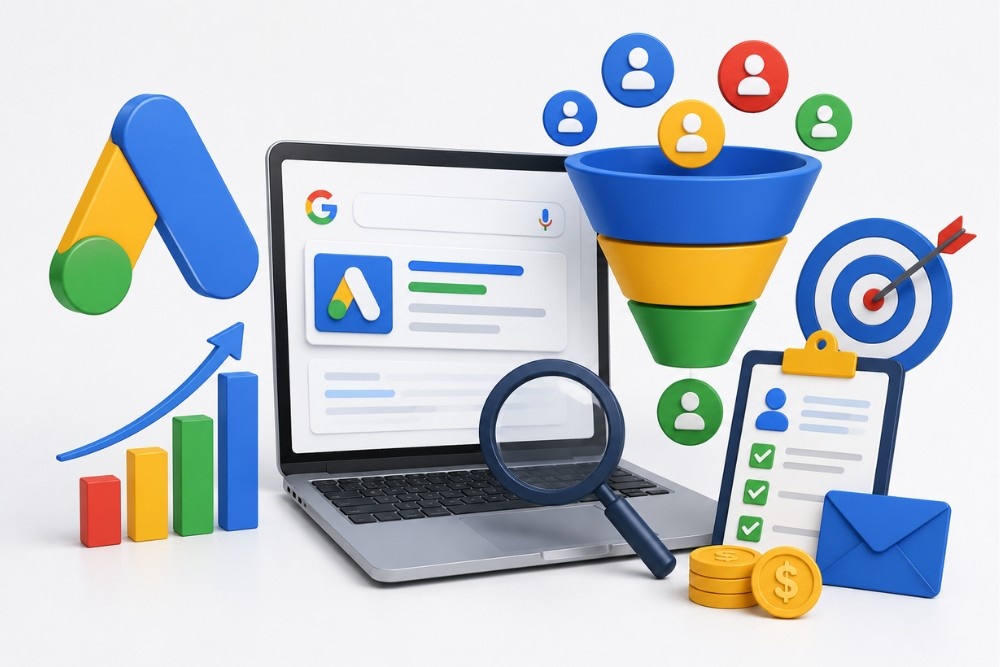
How to Create a Lead Generation Campaign in Google Ads
Setting one up is simpler than most people fear. The real trick is starting with a clear goal and solid tracking, instead of rushing straight into ad copy. Lead form assets make this especially easy — they let people share their name, email, or phone number directly from your ad without ever leaving it.
| Step | What to do | Why it matters |
| 1. Set the goal | In Google Ads, click New campaign and choose “Leads” | Tells Google what success looks like |
| 2. Choose campaign type | Search or Performance Max are common for lead gen | Matches your offer to the right placement |
| 3. Set up conversion tracking | Install the Google tag, add enhanced conversions | Without it, you’re flying blind |
| 4. Build a Lead form asset | Add your questions and link your privacy policy (required) | Captures leads right inside the ad |
| 5. Connect to your CRM | Use a webhook, the Google Ads API, or an integration tool | Lets your team follow up fast |
Important catch that costs businesses real leads: Google does not store lead form data forever. Download those leads often, or pipe them straight into your CRM. When someone sees your ad and clicks, the form pops up so they can submit on the spot — quick and low-friction. But a late follow-up is almost as useless as no lead at all. Interest fades within hours, not days.
What Are the Best Strategies to Generate Leads on Google Ads?
There’s no single magic setting that flips lead gen on. The businesses that win stack a few proven moves together. Below are the strategies that consistently earn their keep — borrowed from years of real campaigns, not theory.
1. Use Google Ads Lead Generation Forms
Lead forms capture contact details directly from your ad, which cuts friction and lifts conversion rates. To get the most from them: keep forms relevant to the ad, write a compelling headline with a clear call to action, and trim the fields to the essentials — name, email, phone. The shorter the form, the more people finish it. Then integrate the form with your CRM so every lead lands in your database automatically, ready for follow-up.
2. Automate Lead Capture and Follow-Up
Speed wins deals. Automation makes sure no lead slips through the cracks. Sync leads from your campaigns straight into your CRM or email tool, set up automated email sequences or notifications so new leads get a response within minutes, and use that same data to build custom audiences for retargeting. The faster you respond, the higher your conversion rate — it really is that simple.
3. Know Your Target Audience
No ad succeeds without the right audience. Before writing a single line of copy, do your homework. Tools like Google Search Console show you the actual search queries bringing people to your site, plus demographics and behaviour. Look at which queries drive traffic, whether they’re informational or transactional, and where those users are based. Build a clear buyer persona from that, then tailor your ad copy to match. When your message mirrors how your audience actually searches, conversions climb.
4. Utilize the Right Keywords
Keywords are the foundation of every campaign. Mix long-tail and short-tail terms to cover different searches, and — this is the part people miss — match keyword intent to how you collect leads. Gated whitepaper? Target informational keywords. Quote request or booking? Go for transactional or commercial intent like “hire,” “book,” or “near me.” A wedding photographer in Dubai should bid on “Dubai wedding photographer” and “engagement photo shoot,” not just “photography.”
5. Craft Compelling Ad Copy
Your ad is the first handshake with a potential lead. Make it clear, concise, and persuasive. Spell out what you offer and why it matters, then close with a strong call to action — “Get a free quote” “Schedule a consultation,” “Call us today.” Align the copy with the search intent behind your keywords, and don’t be afraid to lead with your strongest selling point.
6. Optimize Your Landing Pages
The landing page is where the magic happens — or doesn’t. After the click, people should find it effortless to become a lead. That means an engaging, visually clean design, messaging that matches your ad, a short form or a big click-to-call button, and one prominent CTA. Keep it fast and mobile-friendly. If you’re running lead form assets, you may not even need a landing page. Good pages also lift your Quality Score, which lowers your costs over time. If your current pages are slow or dated, our website design and development team rebuilds them for speed and conversions.
7. Use Ad Extensions
Ad extensions display extra information and give people more reasons to click. Call extensions put your number front and centre, location extensions show your Dubai or Abu Dhabi address, and sitelink extensions point to key pages. They improve visibility and click-through rate at no extra cost per click. Use them — they’re free real estate on the results page.
8. Use Advanced Targeting Options
Google’s targeting goes deep. Reach users by interests, behaviours, and demographics. Build custom audiences from your existing customer data. Layer in geotargeting so your ads only show where you actually do business, and adjust device bids — if mobile converts better for you (and in the UAE, it usually does), bid up on phones.
9. Monitor Competitors’ Strategies
Keeping an eye on rival ads reveals gaps and openings. Study what competitors in your industry are running — their headlines, offers, and CTAs. Learn from their wins, spot their mistakes, and find the angle they’re missing. The Auction Insights report inside Google Ads is a quiet goldmine here. Differentiation is often the whole game.
10. Add Remarketing
Most people don’t convert on the first visit. Remarketing reconnects you with users who came, looked, and left without acting. It keeps your brand top of mind and pulls them back when they’re ready. For longer sales cycles especially, it’s one of the highest-ROI moves in the entire playbook — you’re talking to warm prospects, not cold strangers. We’ll cover the exact setup steps further down.
How Do You Target the Right Audience in the UAE?
This is where local knowledge beats a copy-paste setup. The Emirates is not one uniform market, and treating it like one quietly wastes budget every single day.
| Targeting option | How it helps UAE businesses |
| Geotargeting | Separate Dubai, Abu Dhabi, Sharjah — bid where leads actually convert |
| Language targeting | Run Arabic and English ads to reach both audiences properly |
| Device targeting | The UAE is mobile-heavy; adjust bids toward phones |
| Audience targeting | Reach by interest, behaviour, or your own customer data |
| Remarketing lists | Re-engage past website visitors who didn’t convert the first time |
A quick real-world example. A service business running one campaign for the “whole UAE” usually overpays for clicks in areas it can’t even serve. Split that campaign by emirate, add Arabic ad copy alongside English, and the same budget suddenly delivers cleaner, cheaper leads. Small structural change, big result.
If your leads also flow through social platforms, pairing this with social media marketing gives you a fuller funnel. And for lower-cost traffic that compounds alongside your paid ads, our SEO services keep working long after the ad budget is spent.
What to Do If Google Ads Isn’t Generating Leads
It happens to almost everyone at some point, and it’s usually fixable. Don’t panic, and don’t blow up the whole account. Troubleshoot in this order.
Check delivery first. Are your campaigns enabled, approved, and getting impressions? If impressions sit near zero, the issue is targeting, bids, budget, or “low search volume” keywords — fix those before anything else.
Verify your tracking. Test your form and call conversions yourself. Broken tracking makes you believe you have no leads when you actually do — Google just can’t see them, so it can’t optimise. This single issue fools more advertisers than any other.
Fix traffic quality. Open the Search terms report, add negative keywords, and lean on phrases and exact match for genuine buyer intent. You’d be shocked how much the budget leaks into irrelevant or curiosity searches that never convert.
Improve the conversion experience. Speed up the landing page, simplify the form, add a clear offer and CTA, and show trust signals — reviews, guarantees, real testimonials. Friction at this stage quietly kills otherwise good campaigns.
If you’re using lead form assets, export leads to your CRM automatically, or download them a few times a day. As covered earlier, they aren’t stored forever, and slow follow-ups lose the lead’s interest fast.
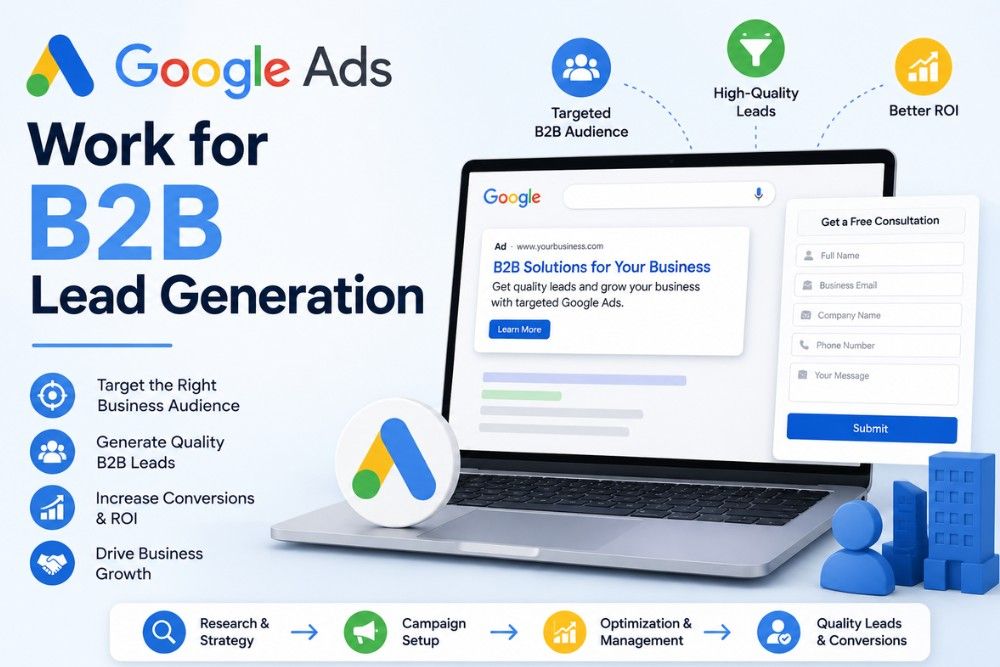
Does Google Ads Work for B2B Lead Generation?
Absolutely, and plenty of UAE businesses underuse it here. Google Ads isn’t just a B2C tool — it’s strong for B2B when handled with the right touch.
Target decision-makers using custom audiences and the right industry signals. Offer genuine value in exchange for contact details — whitepapers, case studies, and webinars all pull well with business buyers. And use remarketing hard, because B2B buying cycles run long; staying visible across weeks of consideration is often what finally closes the deal. For ecommerce and Amazon sellers who want paid reach on the marketplaces too, our Amazon PPC services run neatly alongside Google campaigns, and sellers building a brand from scratch can explore Amazon FBA private label.
How to Set Up Conversion Tracking in Google Ads
Conversion tracking is the backbone of lead generation. Without it, you can’t tell which ads actually produce leads versus which just burn cash. Here’s the setup, step by step.
| Step | Action |
| 1 | Sign in to your Google Ads account |
| 2 | Click the “Tools & Settings” icon (the wrench), top right |
| 3 | Under “Measurement,” click “Conversions” |
| 4 | Click the blue “+” button to create a new conversion action |
| 5 | Choose the action to track — website, app, phone calls, or offline |
| 6 | Fill in the details: conversion name, category, and value |
| 7 | Click “Create and Continue” to generate your tracking tag |
| 8 | Install the tag on your site directly or via Google Tag Manager |
| 9 | Monitor it to confirm it’s firing and capturing data correctly |
Track the conversions that matter most to your business — form fills, calls, sign-ups — so you can clearly see how well your ads drive real leads, then optimise around the winners.
How to Set Up Remarketing in Google Ads
Remarketing brings back the people who visited but didn’t convert. Setting it up takes a few minutes and pays off for months. Here’s the flow.
| Step | Action |
| 1 | In Google Ads, go to “Tools & Settings” > Shared Library |
| 2 | Click “Audience Manager,” then “Your Data Sources” |
| 3 | Under the Google Ads Tag, click “Details” |
| 4 | Under “Tag setup,” choose Google Tag Manager |
| 5 | Copy the conversion ID and remarketing tag code |
| 6 | In Google Tag Manager, create a Google Ads Remarketing tag with that ID |
| 7 | Set the trigger (for a simple setup, “All Pages”) |
| 8 | Publish your tag changes |
Then add the audience to a campaign: open the campaign, go to the Audiences tab, edit audience segments, choose “Website visitors,” select your remarketing list, set a bid adjustment if you want, and save. Your campaign now follows up with people who already showed interest — exactly the warm audience you want.
What About Consent and Privacy in 2026?
This part trips up a lot of advertisers, and ignoring it can break your tracking outright. Privacy rules have teeth now, and Google’s own policies back them.
If you’re targeting users in regions with strict privacy laws, you generally need permission before using tracking cookies or personal data for ad targeting. The essentials:
| Requirement | What to do |
| Consent banner | Let users accept or reject tracking — and honour their choice |
| Google Consent Mode v2 | Adjusts tracking based on what each user allows |
| Proof of consent | Be able to show what users agreed to and when |
| Updated privacy policy | Clearly explain what you collect, why, and how to contact you |
| Customer list care | Only use Customer Match data with proper permission |
In 2026, clean consent setup isn’t only about compliance. It keeps your conversion data accurate, and accurate data is what keeps your whole campaign optimising intelligently. Skip it, and you risk both fines and blind campaigns.
How Long Until Google Ads Brings Leads, and What Does It Cost?
Faster than SEO, but still not instant. The first week or two is mostly a learning phase — Google’s system needs conversion data before it optimises well, so early numbers won’t reflect your real potential.
| Timeframe | What typically happens |
| Week 1–2 | Campaign launch, learning phase, early data gathering |
| Week 3–4 | First steady leads, initial optimisation |
| Month 2 | Lower cost per lead as targeting tightens |
| Month 3+ | Predictable lead flow, scaling the winners |
Cost depends on your industry, competition, and offer — there’s genuinely no flat rate. A competitive niche in Dubai costs more per lead than a quieter one. The smart approach is to start with a focused budget, prove what converts, then scale the campaigns and keywords that perform.
People also ask
How much does Google Ads cost for lead generation in the UAE?
There’s no fixed price — it depends on your industry, competition, and how well your campaign is set up. A competitive sector pays more per lead than a niche one. Start with a controlled budget, measure your real cost per lead, then scale what works.
Do I need a website to run lead generation ads?
Not always. Lead form assets let people submit their details directly inside the ad, so you can collect leads without a landing page. That said, a fast, clear page usually improves lead quality and trust.
How do I know if my Google Ads are actually working?
Conversion tracking. Set it up properly, and you’ll see exactly which ads bring form fills, calls, and sign-ups — not just clicks. Without tracking, you’re guessing, and so is Google.
Can Google Ads work for B2B in Dubai?
Yes. Target decision-makers, offer valuable content like case studies or webinars, and use remarketing to stay visible through longer buying cycles. It’s very effective for B2B when set up right.
Should I run ads in Arabic or English?
Often both. Running Arabic and English versions lets you reach a wider UAE audience and usually improves relevance and lead quality. The right mix depends entirely on who your customers are.
What’s the fastest way to improve lead quality?
Tighten your keywords with negative match, match the keyword intent to your offer, and sharpen your landing page or form. Quality almost always beats quantity for lead gen.
Final Thoughts
Google Ads for lead generation isn’t about throwing money at clicks and hoping for the best. It’s a system — a clear goal, tight conversion tracking, smart local targeting, remarketing, and following up before the lead goes cold. Get those pieces working together, and the phone keeps ringing, even in a market as competitive as the UAE.
The businesses winning in 2026 treat their campaigns as an ongoing engine, not a one-time setup. They test, they track, they refine, and they respect the privacy rules that keep their data clean. If you’d rather have experts build and run that engine for you, Digital Oasis is ready to help. Book a free consultation visit our Google Ads and PPC services page, and let’s get your business generating real, qualified leads.